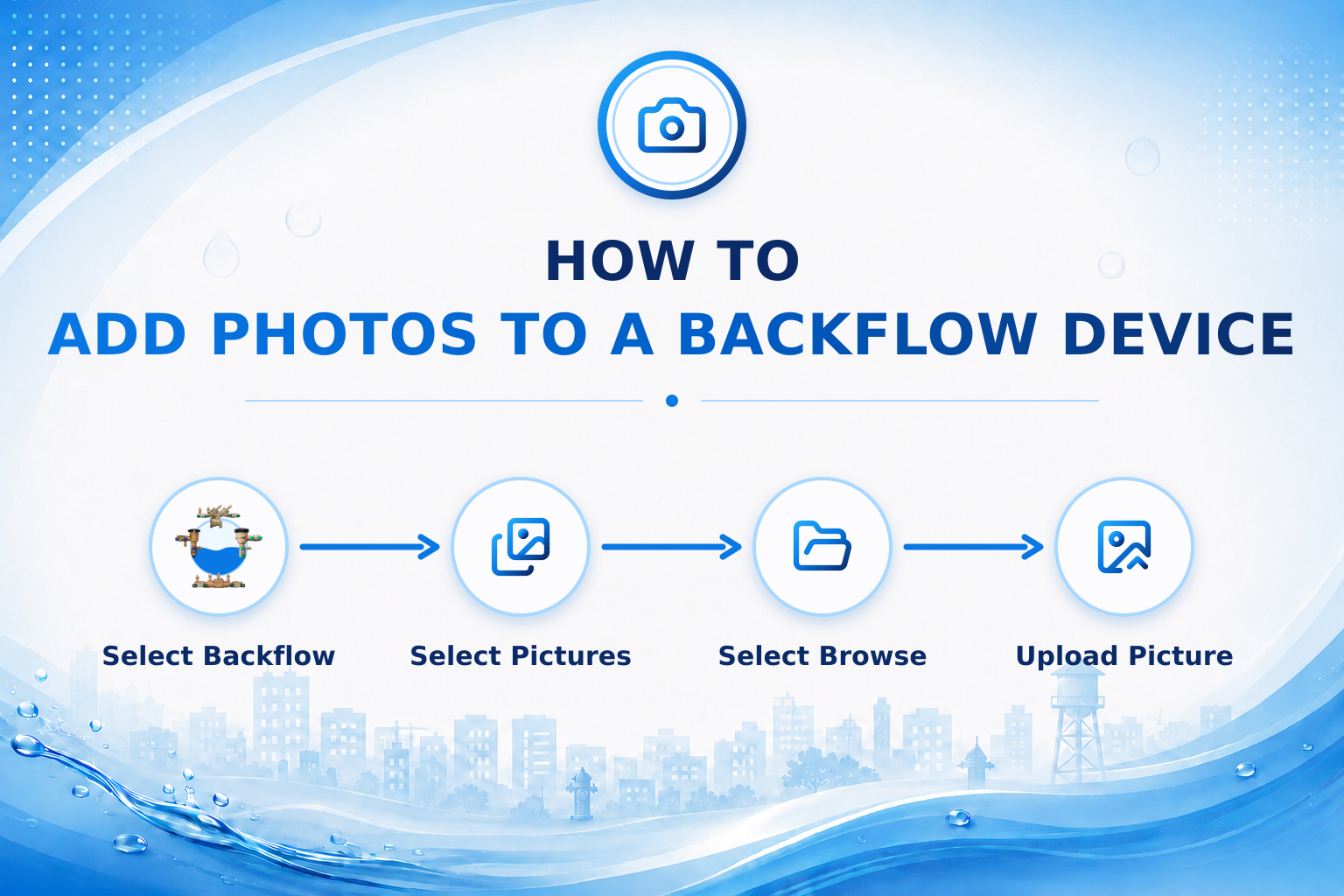
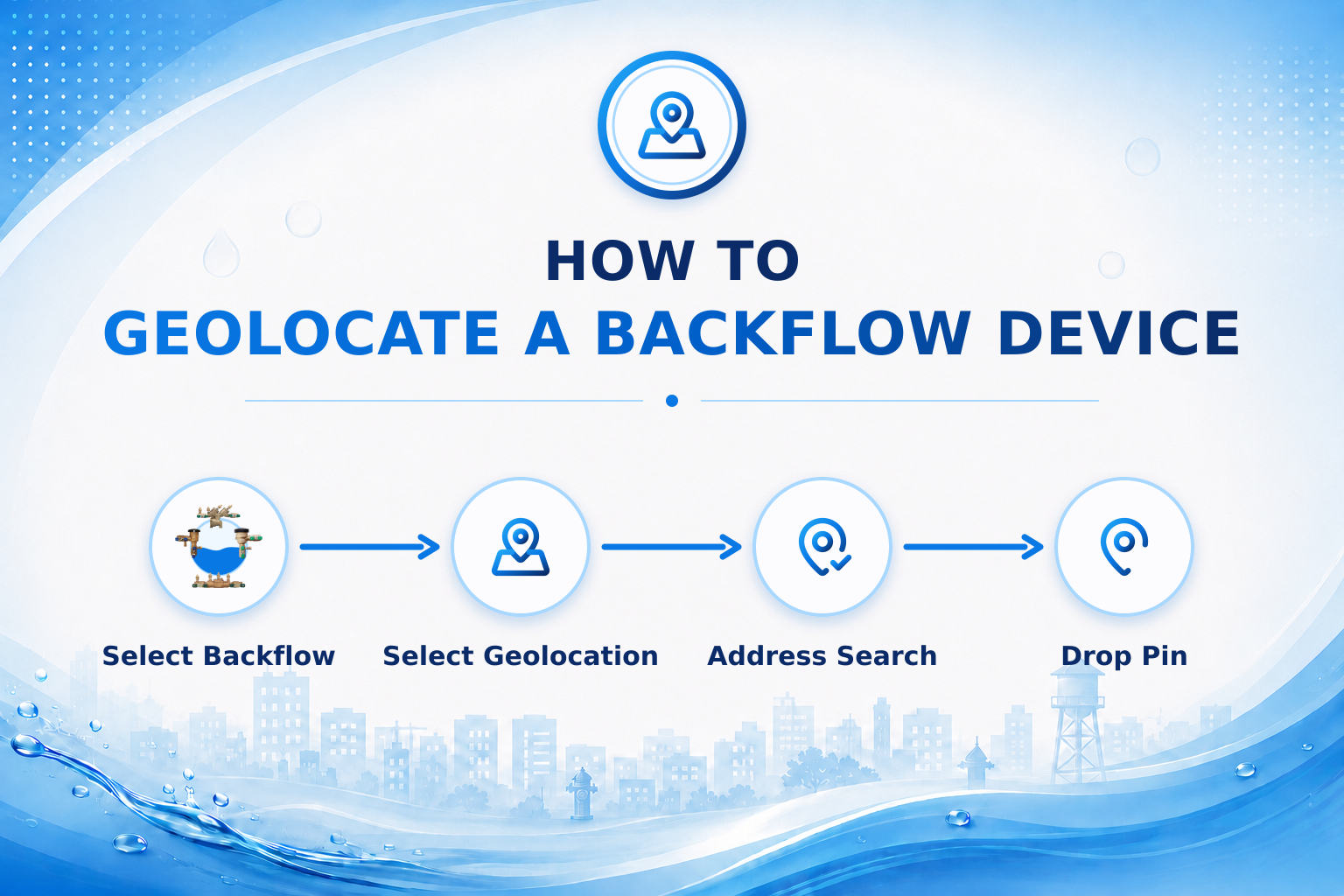
New to AquaResource?
Start with the Right Checklist.
Choose the profile that best fits how you will use AquaResource:
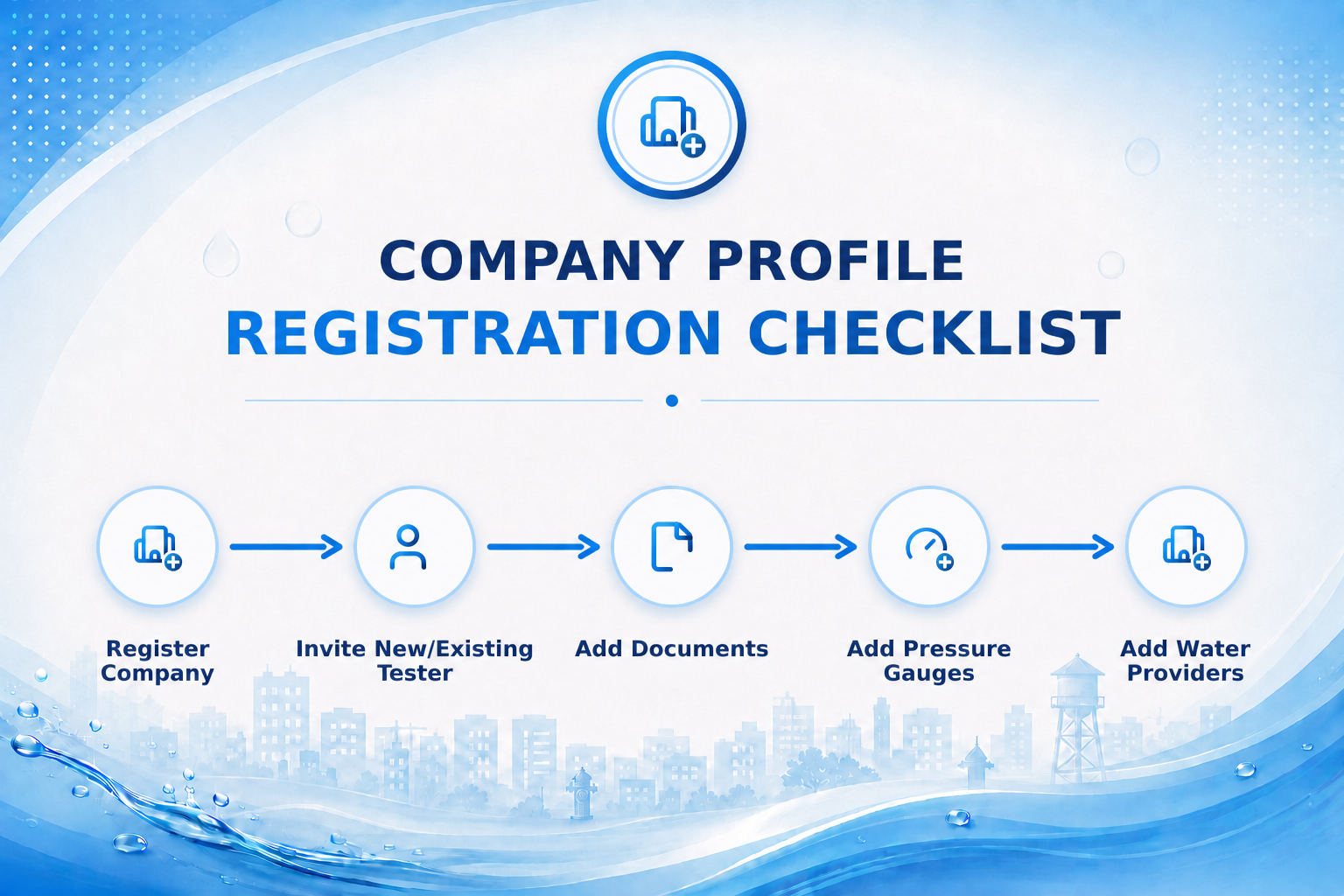
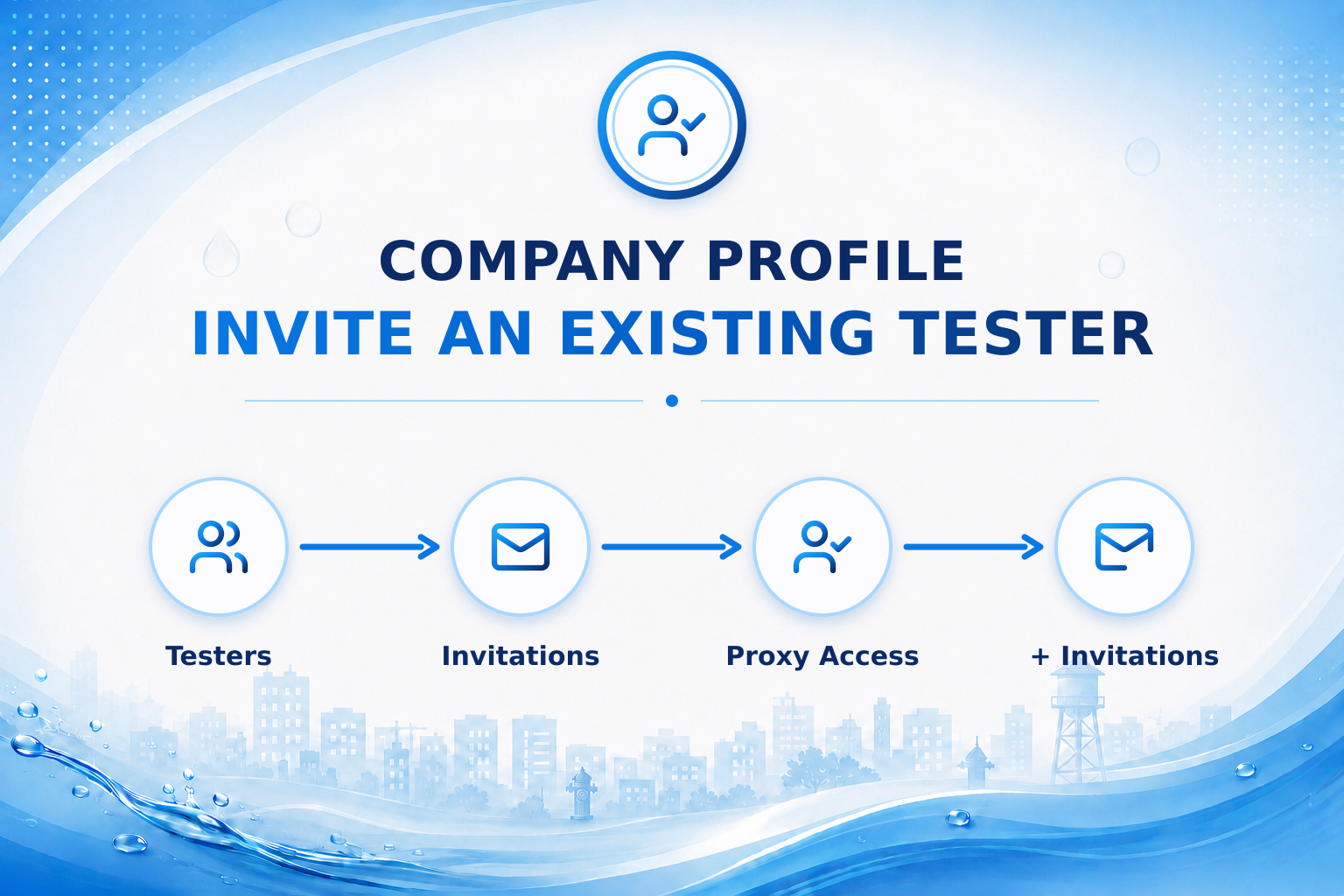
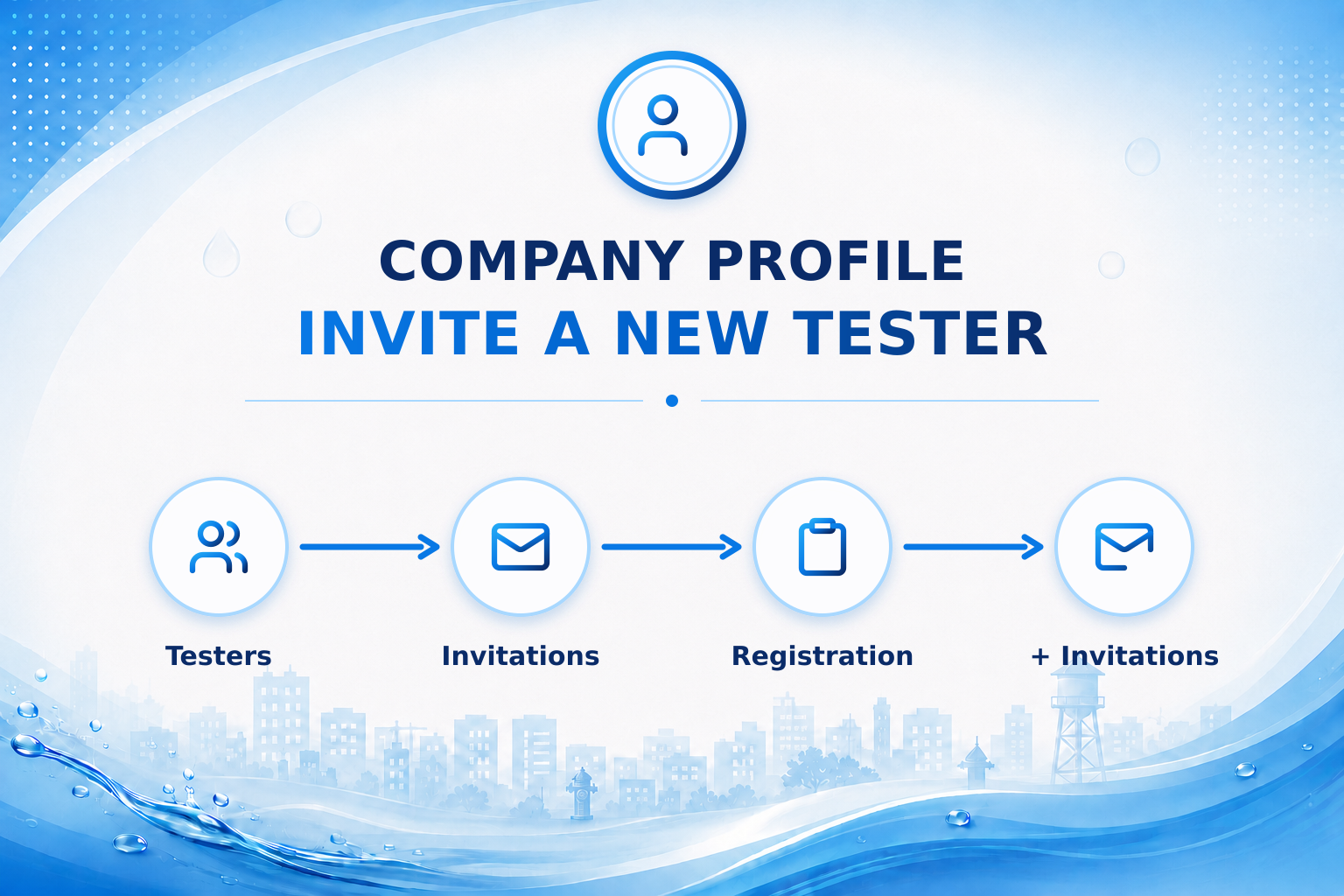
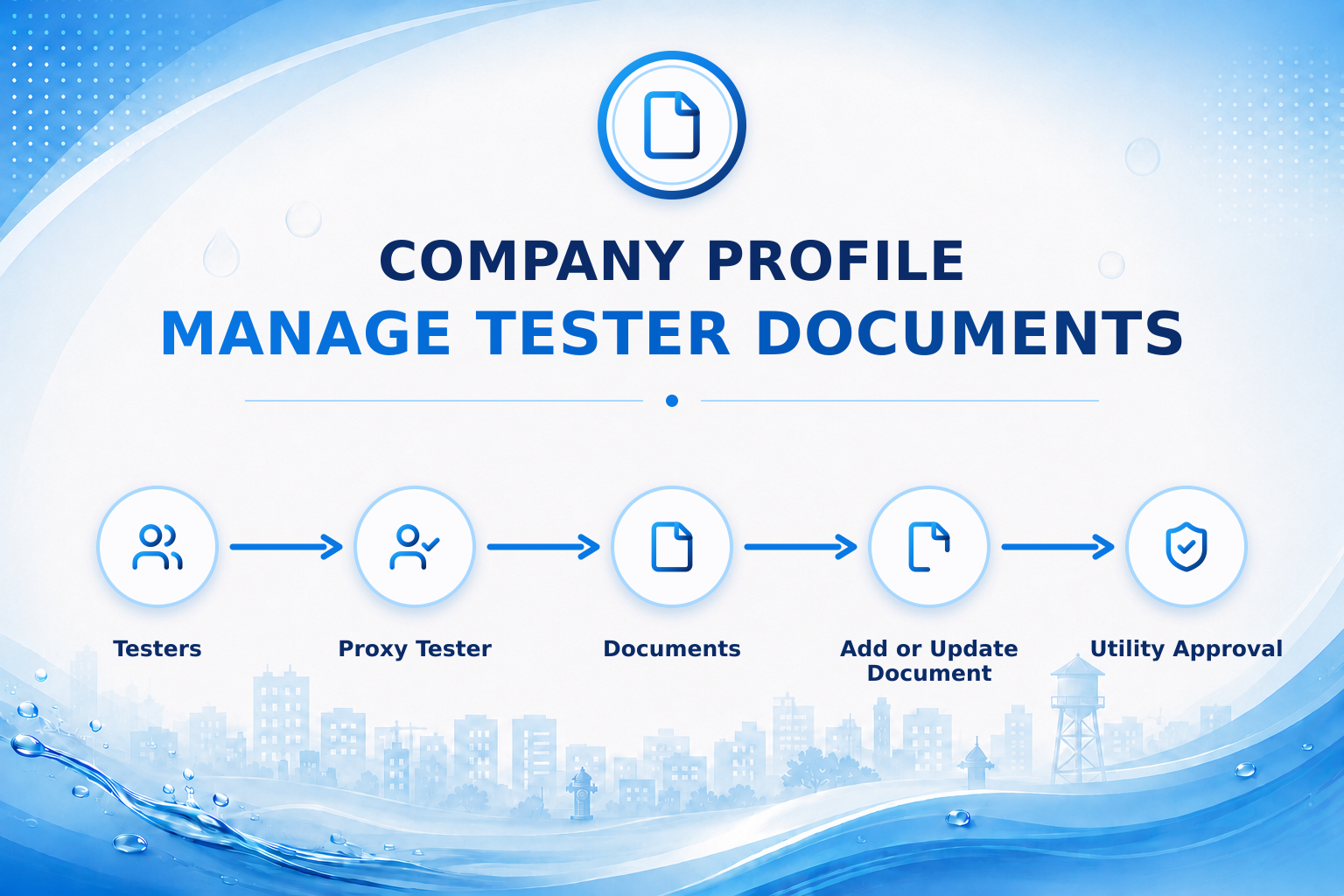
Company Profile: For company owners or office staff who will invite and manage testers through proxy access.
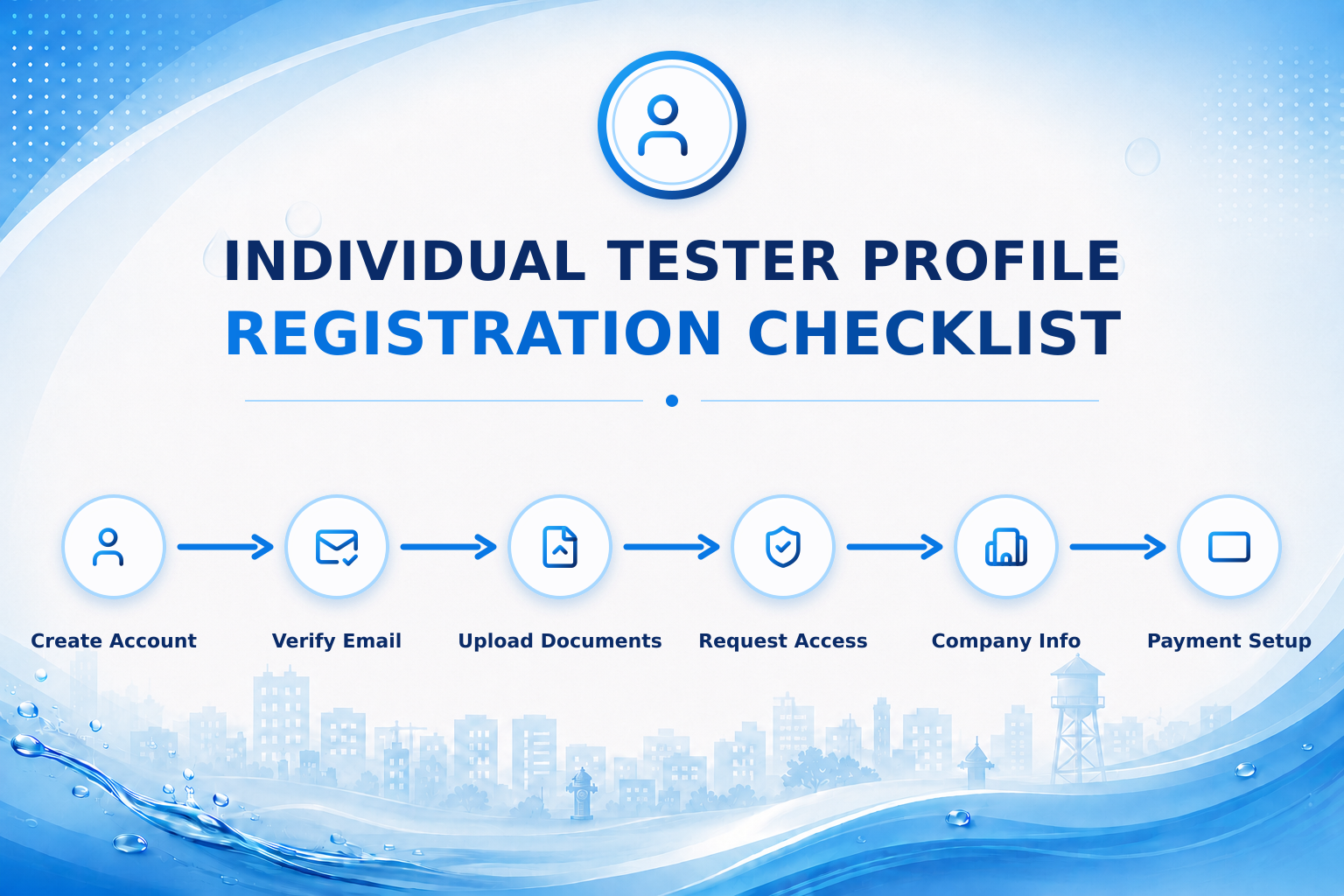
Individual Tester Profile: For testers who will manage their own account, credentials, gauges, access, and submissions.
Once you choose, open the matching Registration Checklist. It lists every setup step in order and links to the detailed guide for each step.
Already Set Up? Find Help With a Specific Task.
Select the task you need help with below.
Support Guides
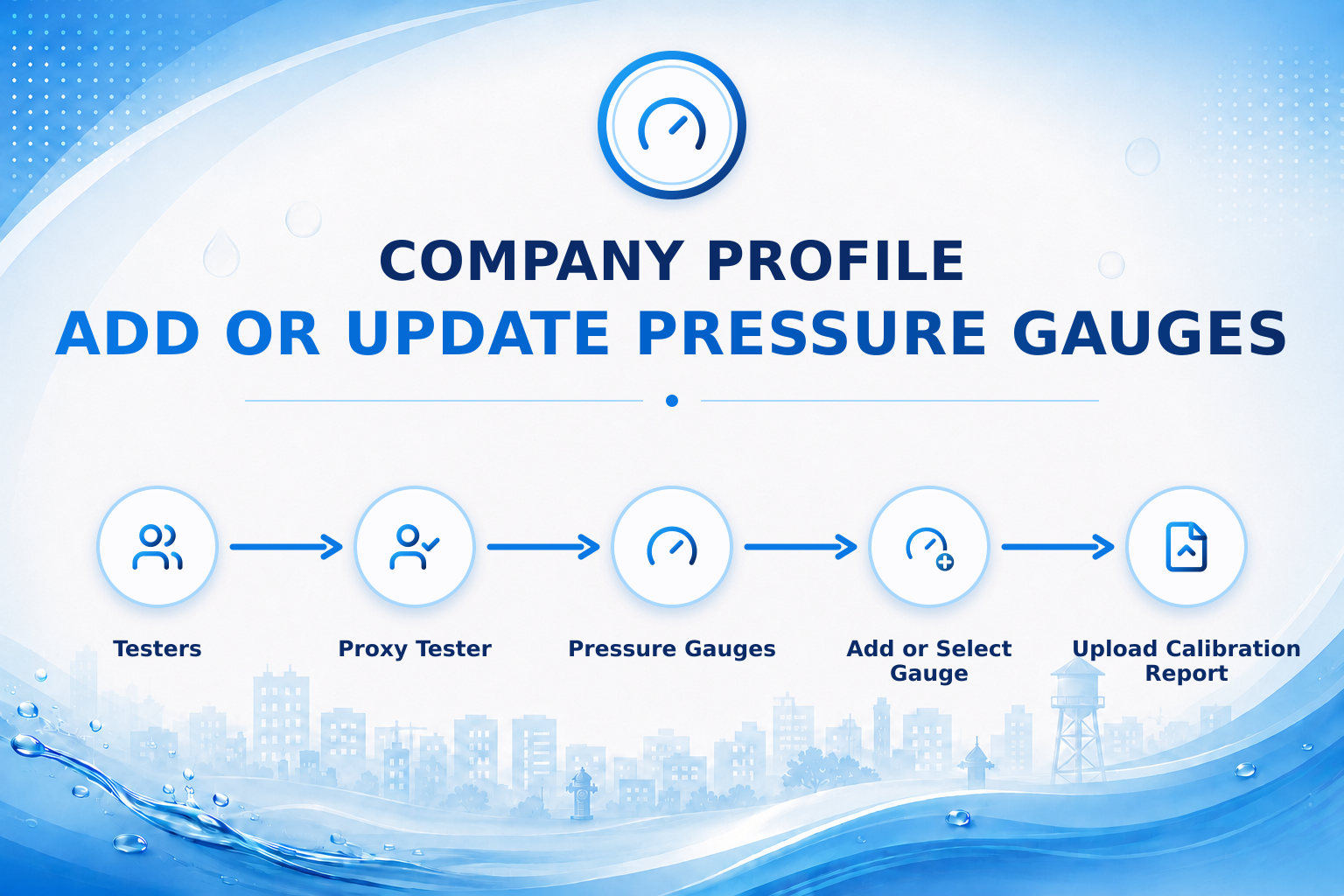
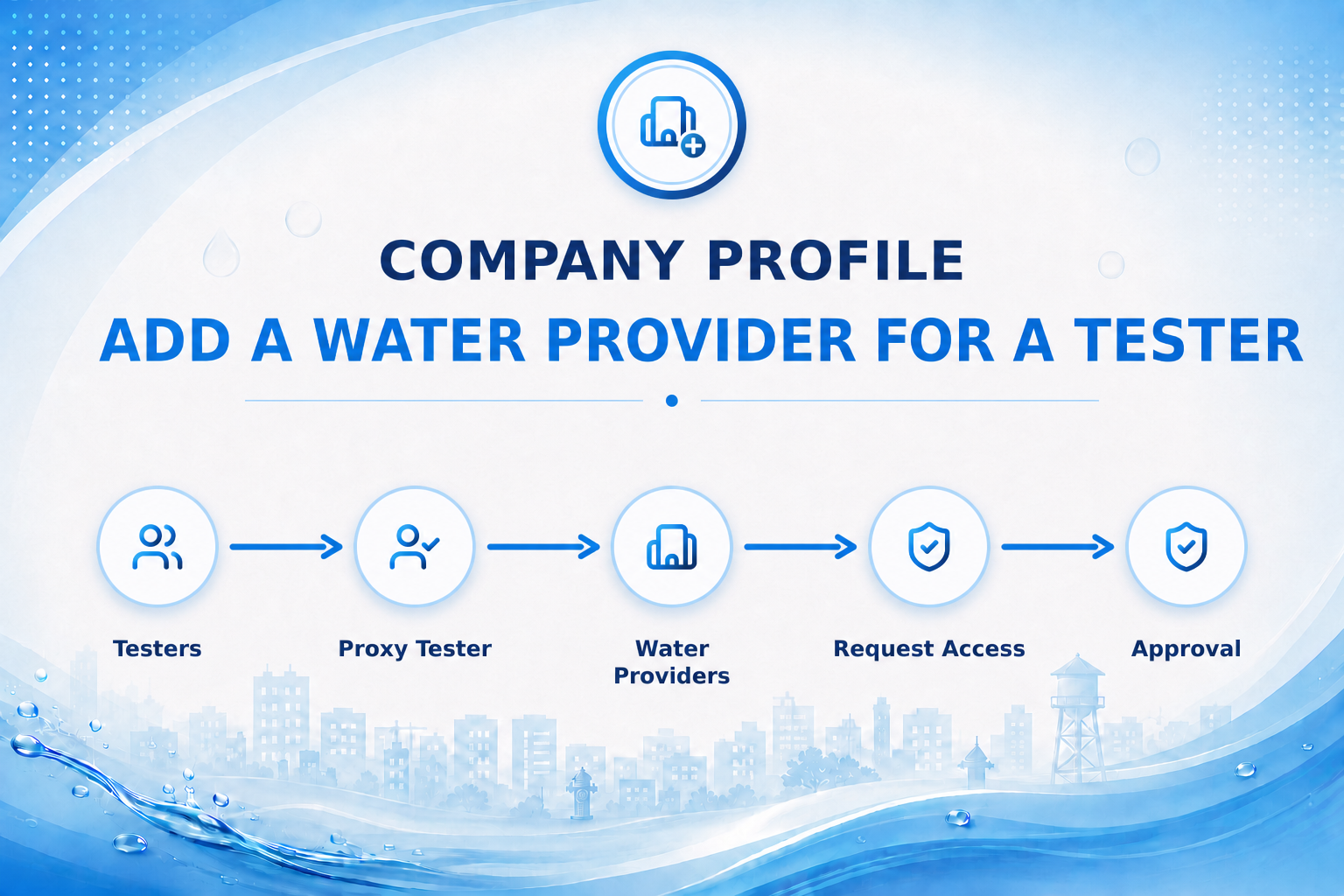
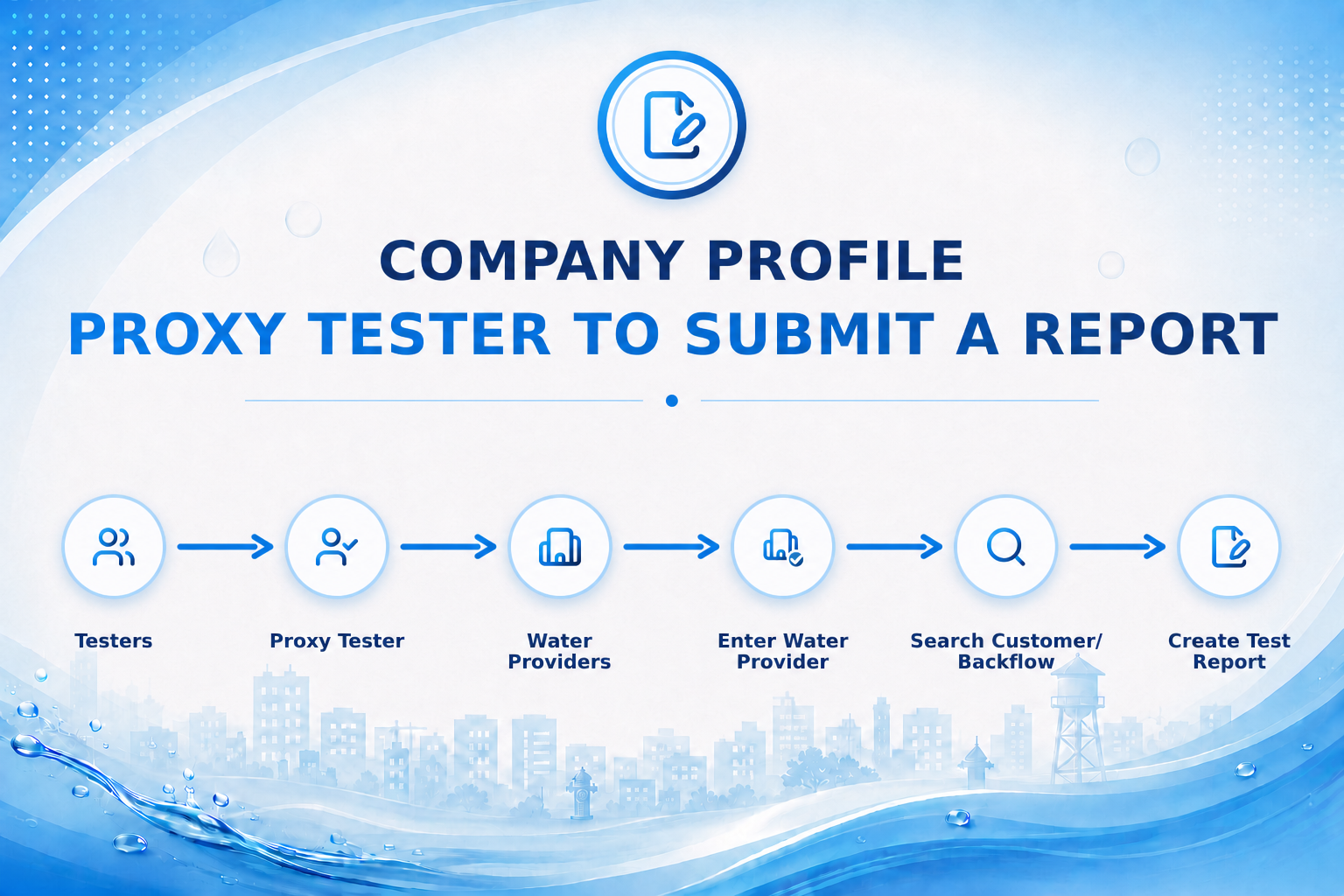
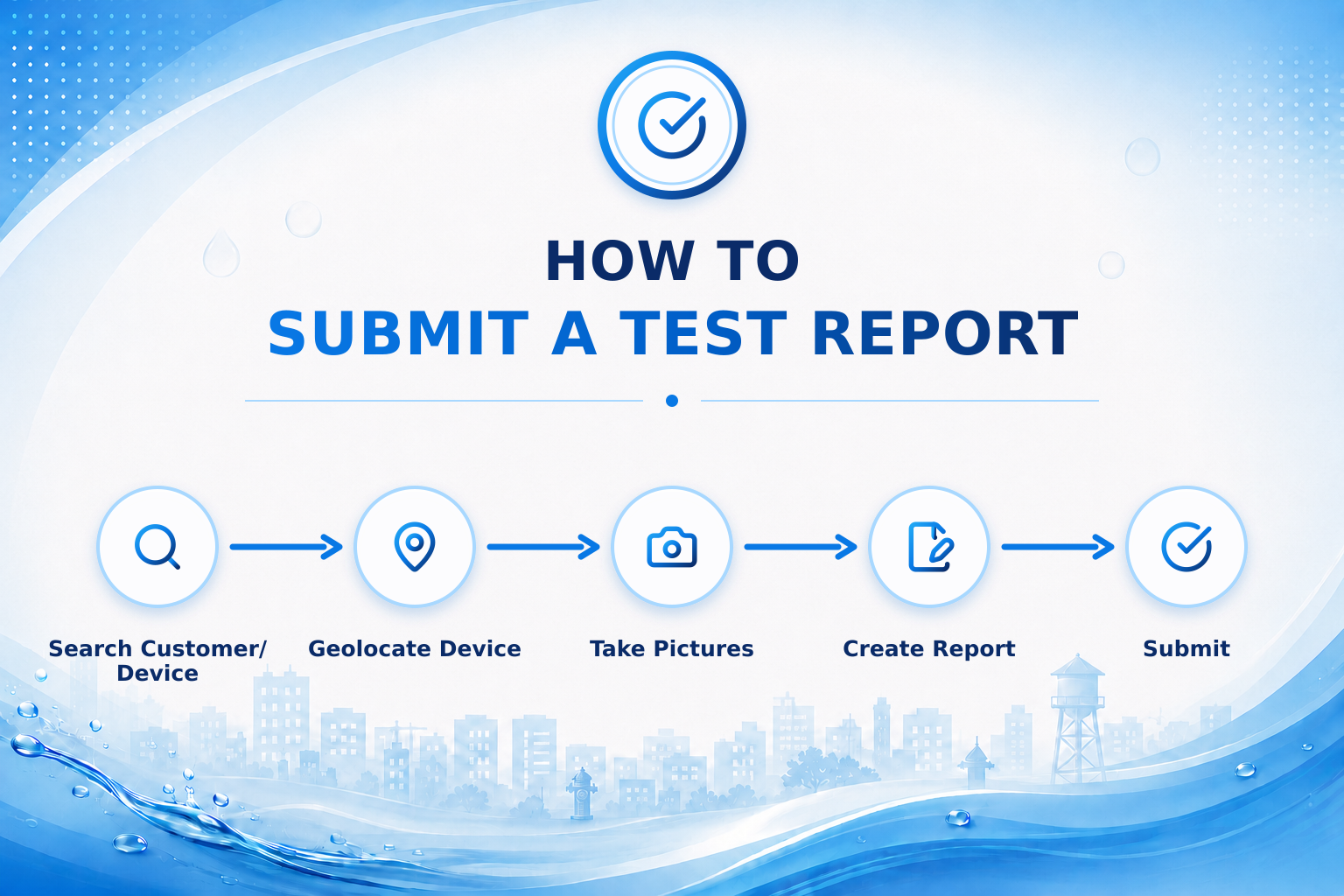
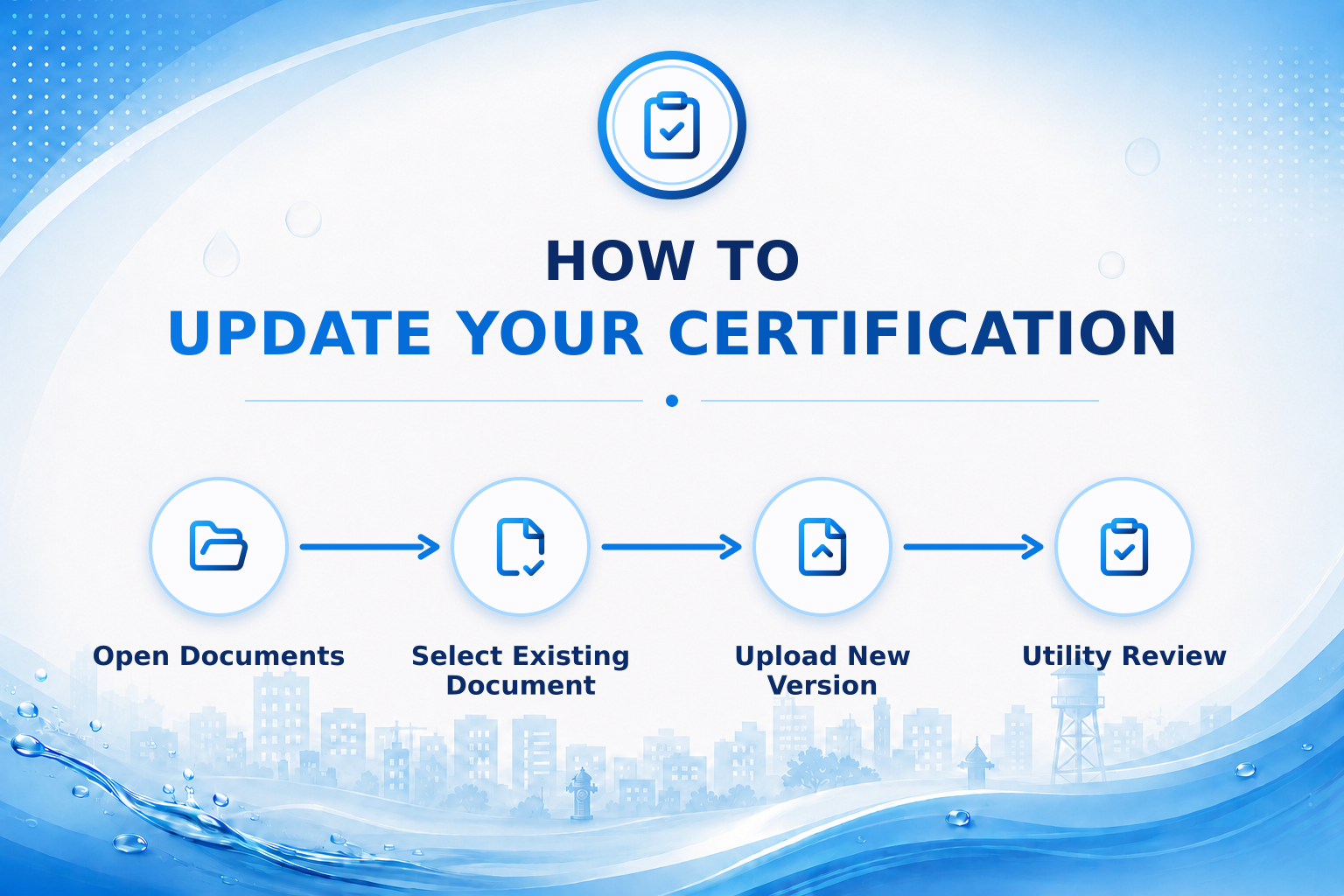
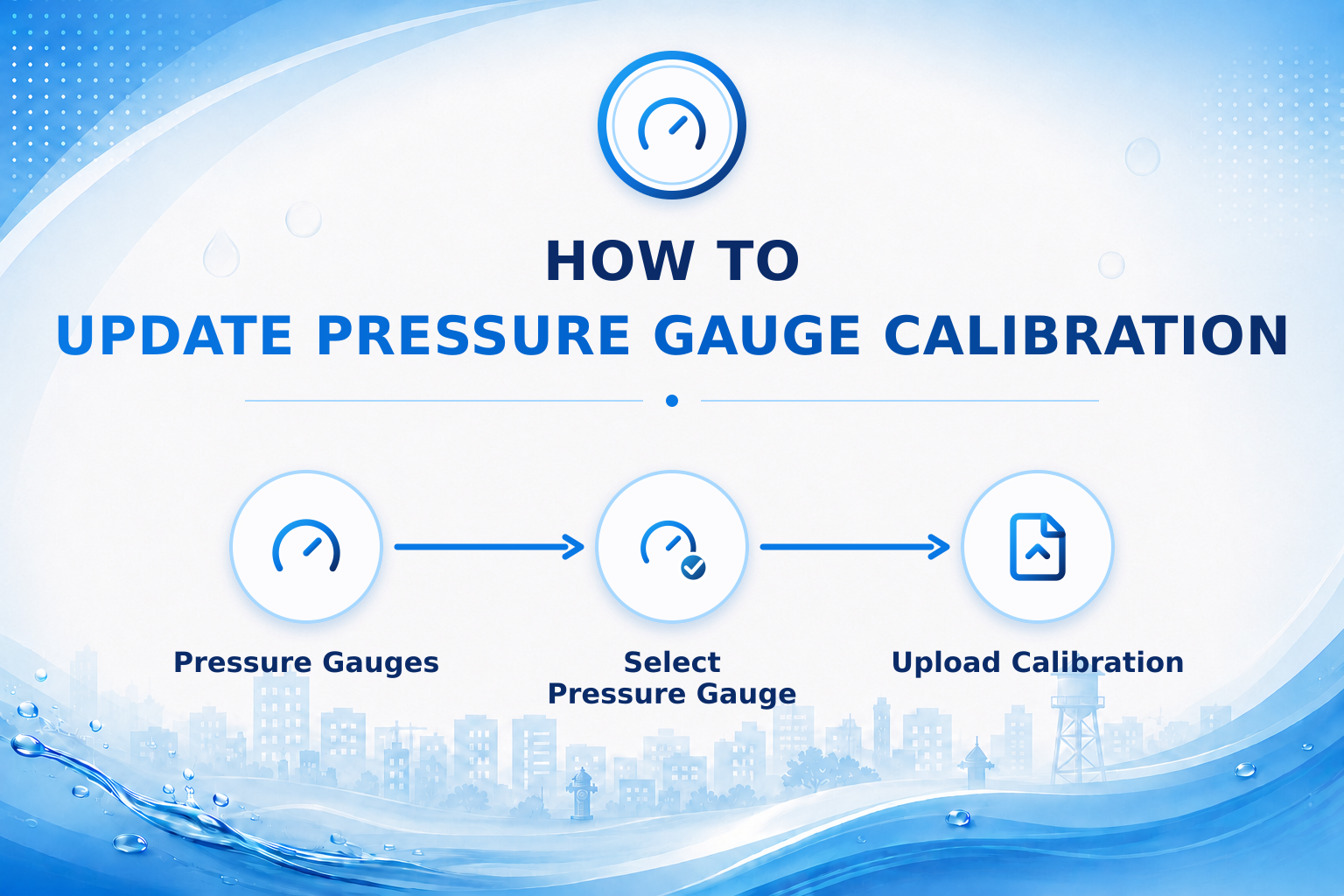
Follow these steps to add a new calibration record for a pressure gauge in your tester profile.