

Geolocate a Backflow Device
• This only needs to be done once per device
• Utilities may require geolocation before accepting reports
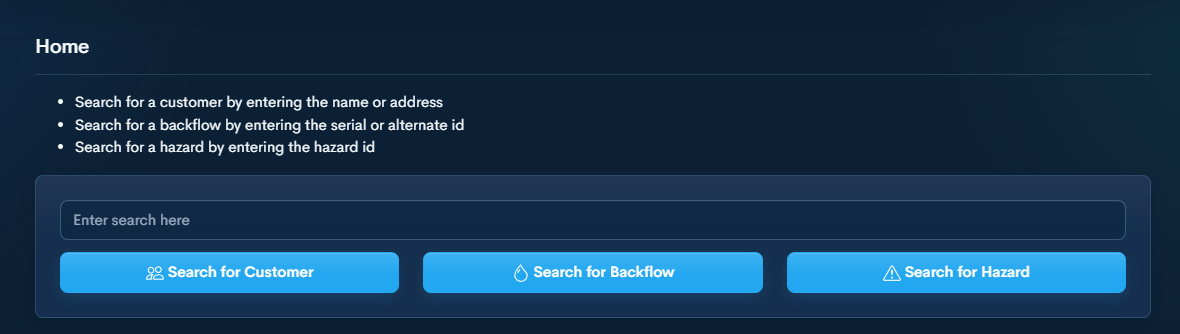
Step 1 — Search for Customer or Device 🔍
Search by:
• Address
• Customer name
• Serial / Alt ID
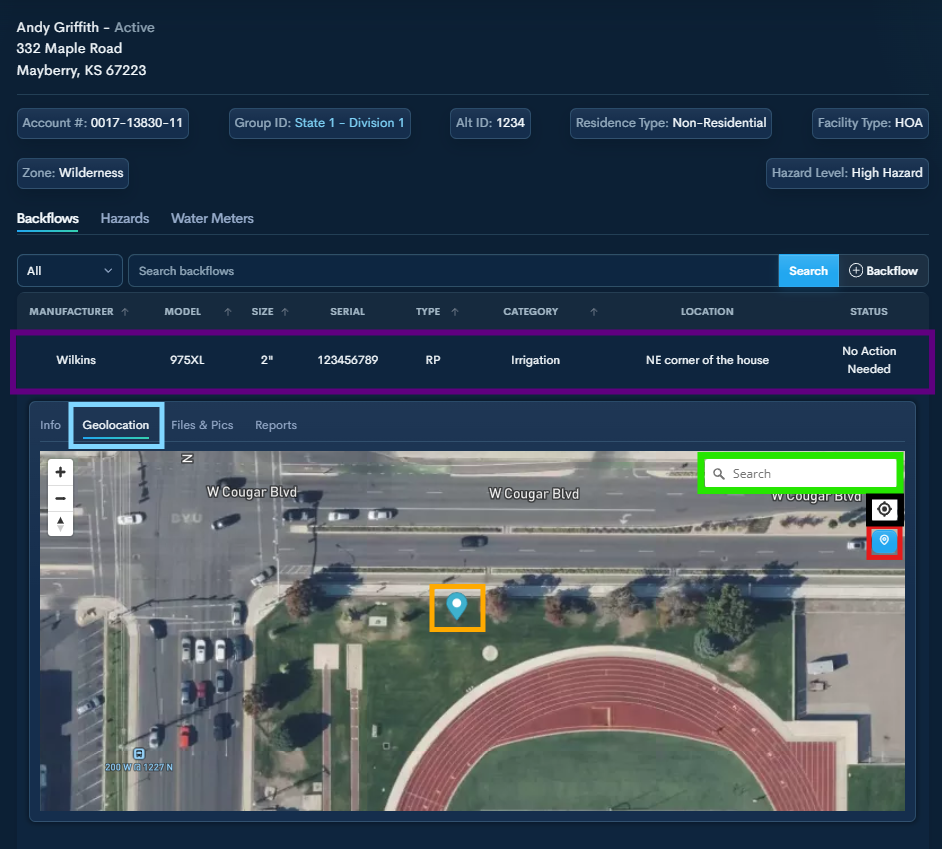
Step 2 — Open the Backflow Device Information
Click into the Customer Profile or select the Backflow Device directly.
Click the device to expose available actions.
Select Geolocation under the desired device.
If not onsite, search for the address to pull it up on the map.
Click Find My Location (if you are on-site).
This Button will place the GPS marker for the device.
Once the Marker is placed, you can click on it to move it to the desired location. It saves wherever you leave it.
Step 3 — Continue Workflow ➡️
Once placed, the device is now geolocated.
You can proceed with reports or other actions.
