Company Profile Admins — Start Here

Start here to understand your setup steps and which support guides to follow.
If your company already has an account, do not register again—have an existing admin invite you.
After registering, you can invite additional admins from your Company Profile.
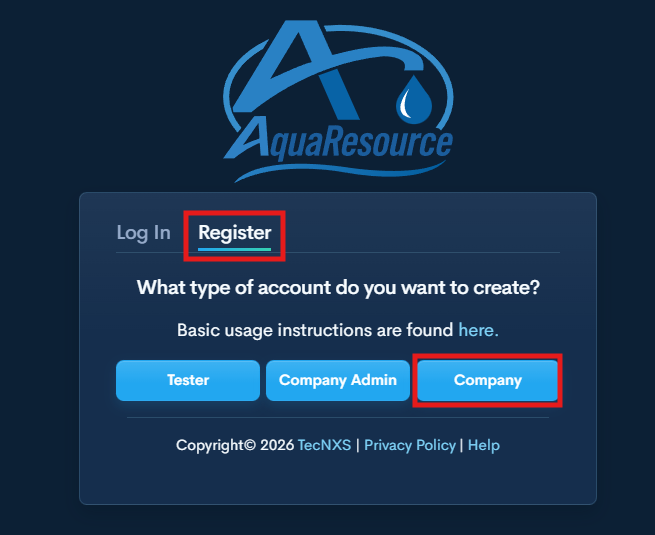
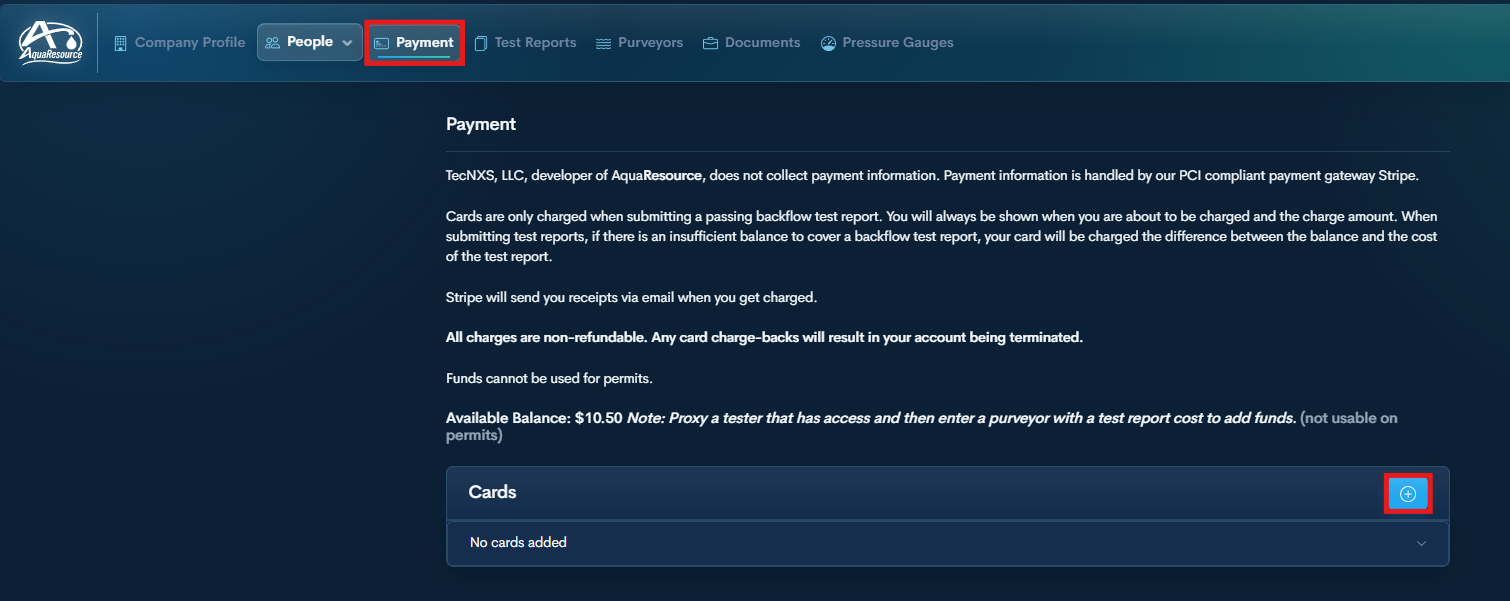
1. Register Your Company Profile

AquaResource Login


2. Add a Payment Method (If Required by Utility)


4. Upload Tester Documents (GLI, Licenses, etc.)

Company Profile: Manage Tester Documents


5. Add or Update Pressure Gauges

Company Profile: Add or Update Pressure Gauge


6. Add a Purveyor for a Tester (Proxy Access)

Company Profile: Proxy Tester to Add Purveyor


7. Proxy Tester and Submit Report

Company Profile: Proxy Tester to Submit Report

Next
Next

Company Profile: Invite an Existing Tester